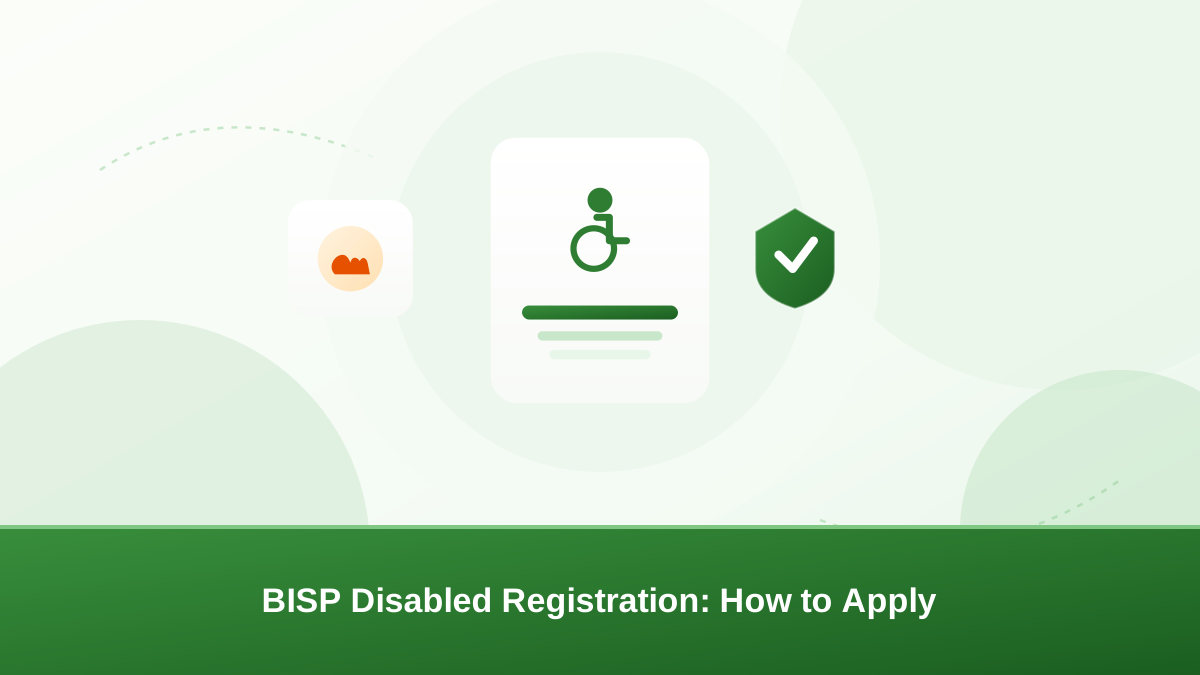
Every household is assessed on its real circumstances. BISP disabled registration exists so that disability — a major factor in a household's vulnerability — is recorded properly. When a person with a disability is part of a family, income and care needs change.
The household survey that guides BISP decisions is meant to capture that reality. This guide explains who this applies to, what documents are typically needed, and whether a survey is required. It also covers registration at an office or a drive, checking your status with 8171, and avoiding agents who charge fees.
Why BISP disabled registration matters
Disability can make a household more vulnerable. It may reduce earning capacity and increase care needs, so BISP records it during the household evaluation. Registering accurately is not paperwork for its own sake.
An honest, current record helps the household's true situation appear in the data that guides support decisions. Keeping the record accurate is the single most useful thing a family can do.
Who can register
A person with a disability can be a member of a BISP household. BISP evaluates the household as a whole from survey data, and disability is one of the factors recorded for the family.
This applies whether the person with a disability is the head of household, a spouse, a child, or another dependant. The household's full composition matters, not just one member.
There may also be a dedicated registration process for persons with disabilities in some districts. Confirm the current arrangement at a BISP office rather than assuming a special procedure exists.
The purpose of BISP disabled registration is to make the household record reflect who lives there and what care is needed. Enrol early and keep the details current — a family that registers during the household survey avoids the delay of correcting records later.
What documents to prepare
- CNIC of the person with a disability — the original card, plus copies where possible.
- CNIC of the head of household — the family member whose record the household is registered under.
- Disability certificate or medical documentation, where available, to support the disability record.
- Any existing BISP registration details — previous letters, receipts, or the CNIC used in an earlier registration.
Documents are usually needed for identification and verification. Prepare originals and photocopies so you do not need a return trip.
Most BISP disabled registration journeys start with these documents in hand. Keep them in a safe place, and take copies with you rather than giving away the originals. If a document is missing, ask the office what substitute it accepts before you visit.
Does a survey or verification apply?
BISP builds its registry from household surveys. If your household is not yet in the registry, enrolment normally happens through a survey rather than a simple form. In practice, BISP disabled registration is usually tied to this household survey process.
During the survey, the head of household reports family members, income, and living conditions. Disability is among the details that can be recorded for each member.
If your household is already in the registry but the disability was not recorded, ask how to have it added. This may require a survey or re-verification; confirm the current procedure with the office. Our guide to the BISP Dynamic Survey explains how these surveys work.
There is no single survey timetable that applies everywhere. Do not rely on a date you heard from a neighbour or an agent — verify through official channels.
How BISP disabled registration works: office or drive
- Visit the nearest BISP office or official survey centre.
- Ask about registration for persons with disabilities and whether your household is already in the registry.
- Complete the household survey accurately, including the disability information and the documents above.
- Keep any receipt or reference you are given, and note the date.
- Check your status afterwards with 8171.
Registration also happens through official survey drives and camps in many areas. If a drive is scheduled near you, attend with your documents and the head of household. These drives are often the easiest option for families who cannot easily reach a district office.
BISP disabled registration through official channels is free. If an office or drive has not yet visited your area, ask at the BISP office how households like yours are normally reached, and whether a mobile team exists in your district.
Checking your status with 8171
After registration, confirm that your household and the disability record were captured. Send your CNIC without dashes to 8171 from your registered mobile number.
You will normally receive an SMS reply about your status. This is the most reliable way to check between official visits.
See our guide to checking your BISP status online for other official options, and be aware that some unofficial websites copy the 8171 look. Use only official channels.
How a disabled beneficiary or household may receive support
How a disabled beneficiary or household may receive support depends on the household's overall assessment, not on disability alone. The household's poverty score, computed from survey data, is the main basis for decisions.
Where a household qualifies, support is normally released through official payment channels — cash points, banks, or registered mobile wallets — using CNIC and biometric verification.
Do not assume a disability certificate alone means automatic support. The official assessment is what counts, and records are reviewed from time to time.
Keep the record honest. Misreporting details to raise a score can be treated as fraud and may harm the whole household.
Getting help during the process
BISP offices, tehsil offices, and survey centres are the first place to ask. Their staff can confirm whether a dedicated desk for persons with disabilities exists in your district.
The official helpline can guide you, and the official website publishes program announcements. See our guides to using the BISP helpline safely and visiting a BISP office.
If the person with a disability cannot travel, ask about official arrangements in your district. Many offices have procedures to help vulnerable beneficiaries; confirm what applies to you rather than relying on unofficial agents.
Avoid agents who charge fees
BISP disabled registration and status checks are free. Anyone who asks for money to register a disabled household member, "fix" a record, or speed up a payment is not acting for BISP.
Never pay for a survey, a form, or a promised instalment. Do not share your CNIC number or OTP with strangers.
If you are approached, report it through official channels. See our guide to reporting BISP scams and fraud.
Common problems and what to do
- You have no disability certificate. Ask the office what documentation is accepted in your case and where to obtain it.
- Your household is not in the registry. Enquire about the next survey or drive, and attend with your documents.
- The disability was not recorded. Ask the office how to add it, and confirm whether a re-survey is needed.
- You missed a survey. Follow official guidance on what to do next rather than trusting informal advice.
- A stranger promises guaranteed support. This is a red flag. Official decisions come from official data, never from agents.
Tips for a smooth BISP disabled registration
- Go prepared. Carry the originals and copies listed above, plus the CNIC of the head of household.
- Arrive early. Office queues can be long, and a morning visit often shortens the wait.
- Ask for a receipt. Note the date and any reference number given for your request.
- State the disability clearly. Tell the staff which member has a disability so it is recorded, not assumed.
- Follow up. Check your status with 8171 a few days later and return to the office if nothing changes.
These small steps prevent most common BISP disabled registration problems before they start. A calm, prepared visit usually takes far less time than an unplanned one.
Conclusion
BISP disabled registration is free and considers the household's full situation. Prepare the right documents, use official offices and drives, record disability honestly during the survey, and verify your status with 8171.
When in doubt, confirm the current process through official BISP channels rather than relying on rumours or agents. The official BISP website at bisp.gov.pk is a safe starting point for program details.
Frequently asked questions
There can be a dedicated process in some districts, sometimes through a special desk or an official drive. Confirm the current arrangement at a BISP office rather than assuming one exists — procedures vary by district and by program phase.
BISP normally records disability during the household survey. A disability certificate, medical documentation, and the person's CNIC can support the record where available. Check the exact accepted list with a BISP office before visiting.
Many offices have procedures to help vulnerable beneficiaries, including household visits and mobile teams. Ask about the official arrangements in your district rather than relying on unofficial agents, and never pay anyone to arrange a visit.
No. A certificate is documentation, not a guarantee. BISP decides from the household's full survey data and poverty score. Never trust anyone who promises support in exchange for a fee or a payment.
Register the household through official channels and mention the disability during the survey. Ask the BISP office what documentation is accepted in your case and where you can obtain it. Do not skip registration just because a certificate is missing.
Send your CNIC without dashes to 8171 from your registered mobile number to check your status. To confirm details such as a disability record, visit a BISP office with your original CNIC and ask the staff to review your file.