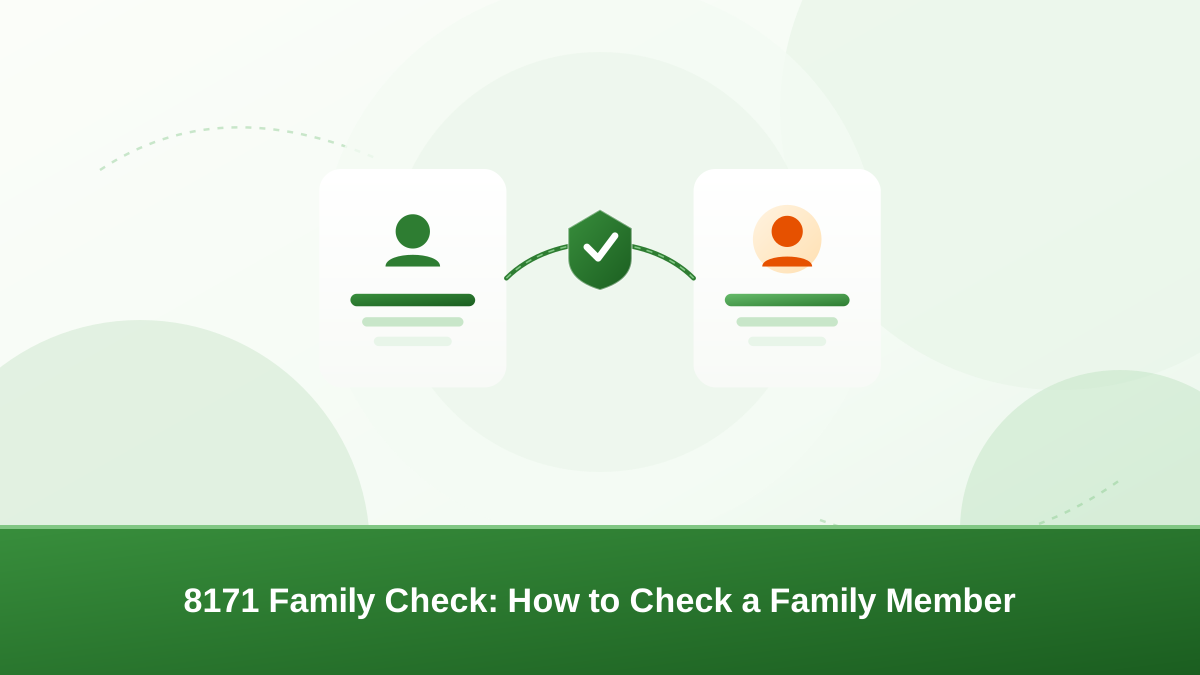
An 8171 family check lets you look up a family member's BISP status using their CNIC number. People often want to check a parent, spouse, son, daughter, or another relative. This guide explains which CNIC to use, how to do the check safely, what the reply means, and how to protect your family's privacy.
What is an 8171 family check
The 8171 service is BISP's official SMS and web tool. You send a CNIC number and receive a reply about that person's record. A family check simply means you run this check for a relative instead of yourself. An 8171 family check is the fastest way to confirm whether a relative appears in BISP records.
The reply confirms whether that CNIC is registered and can point toward the person's current status. The check reads the record BISP already holds. It does not change or update anything.
Families run this check for several reasons. They want to confirm that an elderly parent is registered, verify that a widow or child was added to the record, or simply reassure themselves before a phased payment begins. The check is also useful after a registration or survey, to see whether the change now appears on the record.
Which CNIC should you use
The 8171 check is linked to the CNIC you enter. To check a family member, you enter their CNIC number, not your own. Only run the check with that person's consent. The 8171 family check is only as good as the number you enter.
In many families, the head of household CNIC is the one kept on the official record. If you are checking for an elderly parent or a relative who never registered, start with the head's CNIC. That is the number most likely to connect to the household file.
What to prepare before you check
A smooth 8171 family check starts before you even open your phone. Gather a few things first:
- The family member's exact 13-digit CNIC.
- That person's clear permission to run the check.
- A working phone with SMS credit, or internet data for the portal.
- The household head's CNIC as a backup option.
Ask the family member to read their CNIC number to you twice if possible. Writing it down and reading it back catches most typos at the start. This small step saves you from chasing a confusing reply later.
How to run an 8171 family check step by step
The SMS method is fast and works on any basic phone:
- Open the text message app on your phone.
- Type the family member's 13-digit CNIC without dashes or spaces.
- Check every digit before sending. A single typo can break the check.
- Send the message to 8171.
- Wait for the reply, which usually arrives after a short time.
- Read the reply and share it only with the family member it belongs to.
Keep the confirmation message on the phone until the family member has seen it. If you delete it before they do, the check has to be repeated from scratch.
Using the official web portal
You can also run an 8171 family check through the official portal. Open the government's BISP website on a phone or computer and open the eligibility or status-check section. Enter the CNIC without dashes and submit the form.
The portal needs internet data and a device. If that is not available, the SMS method works just as well. Both services are free. Never pay a website or agent for a check, and double-check that an online form is really part of the official domain before entering any CNIC.
Understanding the reply you receive
The reply tells you whether that CNIC is registered in BISP's records. It may confirm eligibility wording or ask the person to visit an office, depending on their situation. Read the message carefully and keep it private.
A reply may simply confirm that the CNIC is registered, or it may state current status wording such as eligibility or a pending survey. Some replies direct the family to a nearby BISP office for follow-up. Treat the wording as guidance, not a promise, and keep the message for reference.
Replies are point-in-time responses. A family member can be registered but not scheduled for the current phase. If the reply asks for a survey or a visit, help them prepare for what is asked.
Privacy and consent matter
If you check several relatives, keep the results in a private message thread. Show each reply only to the person it belongs to.
Older relatives may not fully understand the check. Explain what you are doing and what the reply means before entering their details. Their consent is not a formality — it protects everyone's personal data.
When a family check may not work
- No record in the registry. A relative who was never surveyed or registered returns no result.
- Dashes or spaces in the number. The system expects a clean 13-digit CNIC.
- Different head of household. If the household head changed, the person's record may sit under another CNIC.
- Separate household file. Each household is handled separately, so a relative in another district may have a separate file.
- Unregistered SIM. Some checks expect the SMS to come from a number linked to the record.
None of these mean the family member has no rights in the program. They simply mean the check could not match that CNIC to a record at that moment.
If the check returns no result
A no-result reply is common and usually easy to resolve. First, recheck the number digit by digit and send it again without dashes. Then try the household head CNIC if that person is registered.
If the problem continues, visit a BISP office with the family member's original CNIC. Staff can look up the file in person and tell you the next step. Do not assume the worst — most cases clear up simply. See our guide to common BISP 8171 errors and their meanings for the messages you might see.
Checking more than one family member
Each 8171 check works for one CNIC at a time. To check a parent, a spouse, and a child, you run the check separately for each person. An 8171 family check cannot read a whole household in a single message.
Write each reply next to the right family member so results do not get mixed up. A simple note on paper — name, CNIC, reply — is enough.
Households are recorded under one head of household, but every adult normally has their own CNIC and their own check. Children, especially newborns, may only appear under the parent's file until they are separately registered.
Common mistakes to avoid
- Typing the CNIC with dashes or spaces. Send only the digits.
- Sending from a number that has no link to the record.
- Running checks for people who never asked for them.
- Believing a fee is needed. Official checks are free.
- Sharing results on social media before the family member has seen them.
Most failed checks trace back to one of these five habits. Fixing them beforehand makes the check accurate on the first attempt.
Keep family members safe from fraud
Scammers exploit the popularity of 8171 checks to target vulnerable families. Protect everyone with these rules:
- Do not hand a relative's CNIC to an agent or caller who promises to "activate" a payment for a fee.
- Never post a CNIC, SMS reply, or OTP on social media or in WhatsApp groups.
- Tell family members that BISP does not charge for a status check or for cash collection.
- Report suspicious offers to official BISP channels. See our guide on how to report BISP scams and fraud.
- Store official letters and receipts in a safe place.
Official help channels
- 8171 SMS — status checks by sending the CNIC from a registered number.
- Official web portal — eligibility checks on the official BISP website.
- BISP offices — district and tehsil offices help with file lookups in person.
- Helpline — call the official helpline for guidance; see our guide to using the BISP helpline safely.
Procedures change by phase, so always confirm the current method through official channels. Only official BISP staff can change a record. If a reply confuses you, it is better to ask at a BISP office than to guess.
Conclusion
The 8171 family check is a simple matter of entering the right CNIC with the family member's permission. Use official channels, keep results private, and confirm unusual replies before acting. A few careful minutes can protect your whole family's records and payments.
Frequently asked questions
No. The 8171 check matches records by CNIC number, not by name. You need that person's exact 13-digit CNIC, and you should have their permission before using it.
Use the family member's own CNIC. In many cases the head of household's CNIC carries the official record, so if the relative's own number returns no result, try the household head's CNIC.
No. A check only reads the record BISP already holds. It does not register anyone, start a payment, or change eligibility. Registration and surveys are separate official processes.
The number may not be in the registry, may have been typed wrongly, or the person may be recorded under a different head of household. Recheck the digits, try the household head CNIC, and visit a BISP office if the issue continues.
No. Never post CNIC numbers, SMS replies, or OTPs on WhatsApp or social media. Scammers use these details to target families. Share the reply only with the person it belongs to.
No. The official 8171 SMS and web portal checks are free. Anyone who asks for a fee to check a status or "activate" a payment is a scammer — report them through official BISP channels.